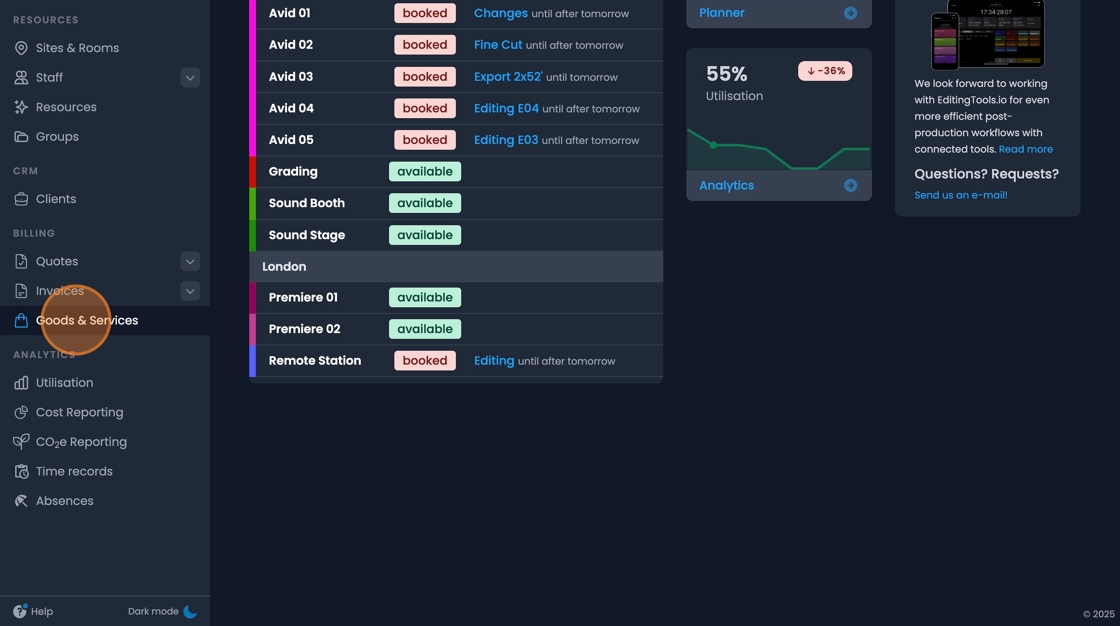
Goods & Services
Goods & Services represent articles that you can add to quotes and invoices as line items. In addition, these can be referenced in bookings and when time tracking.
Creating a Good/Service
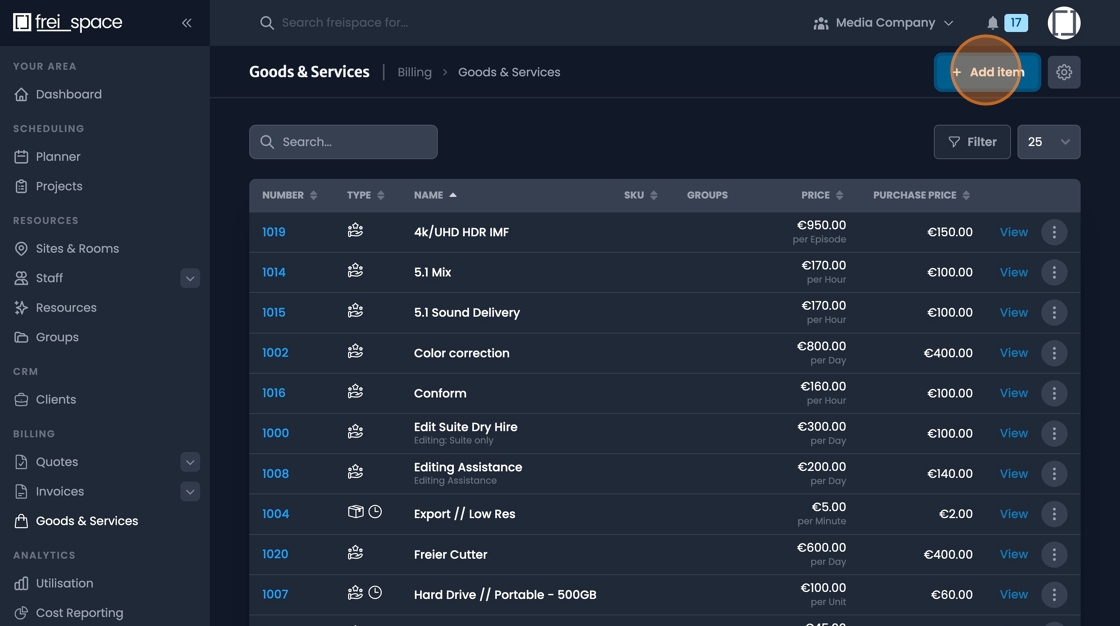
- To add a new good or service, navigate to the goods and services page. And click "Add Item".
- Define what type of item you'd like to add.
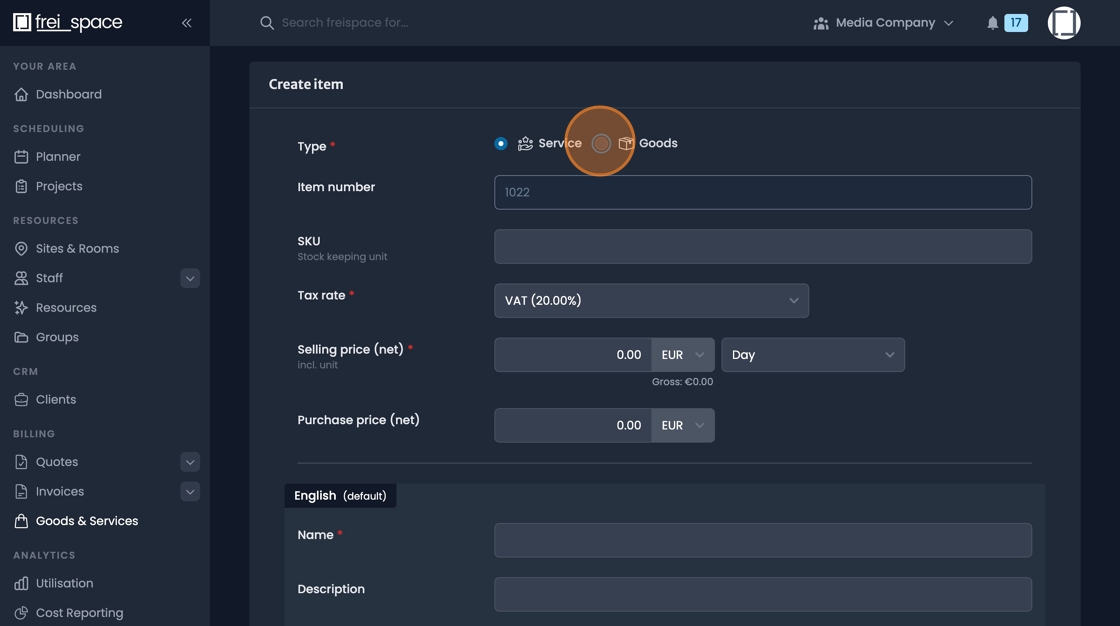
- Fill in the details for the tax rate,
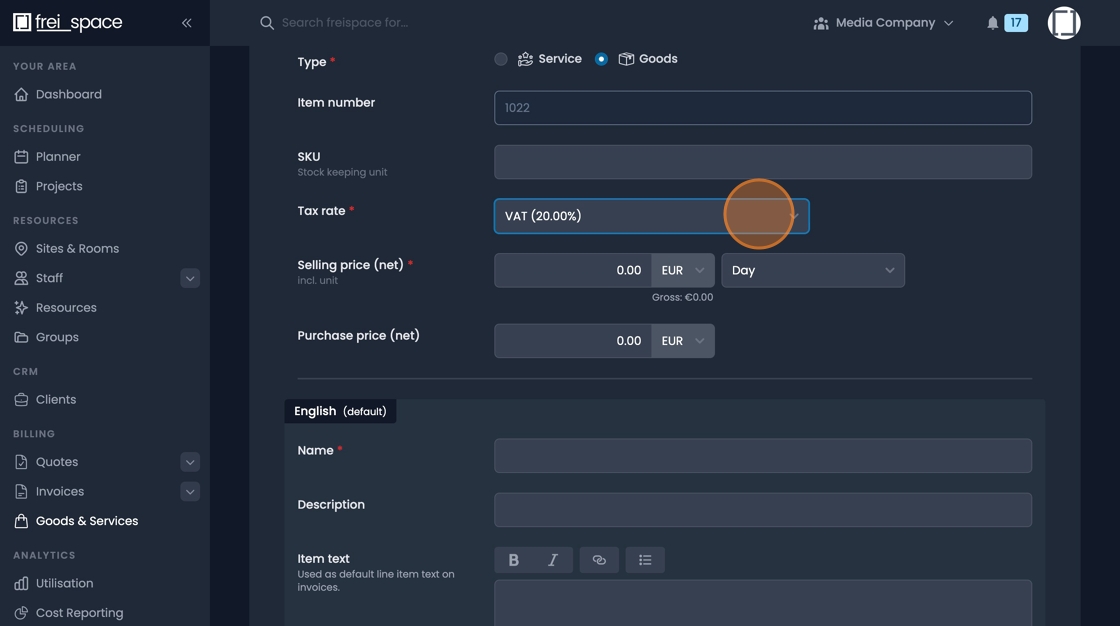
- define a regular "Selling price"
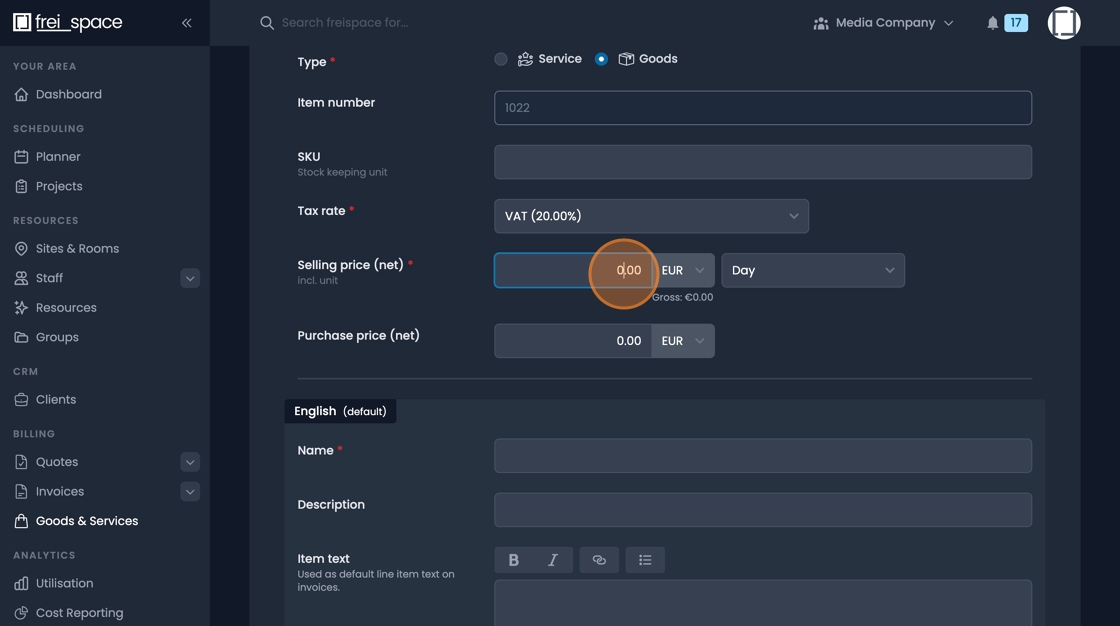
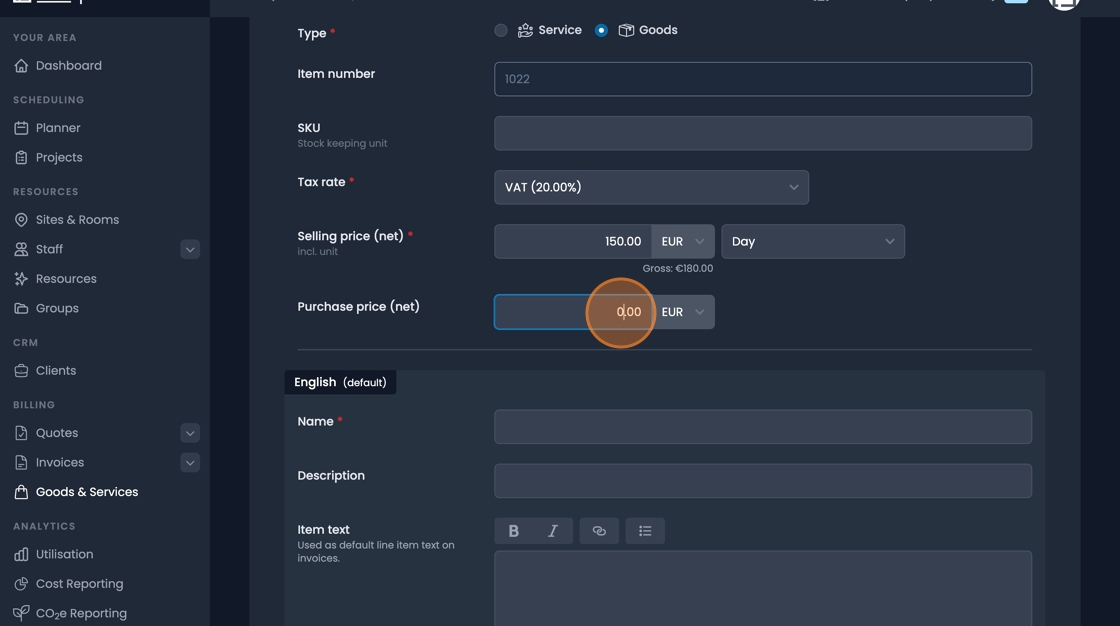
- A "Purchase price" can also be defined.
- Fill in the "Name" , "Description", and "Item Text" fields as required.

- If you're working in a multi multilingual environment, you can also add translations.

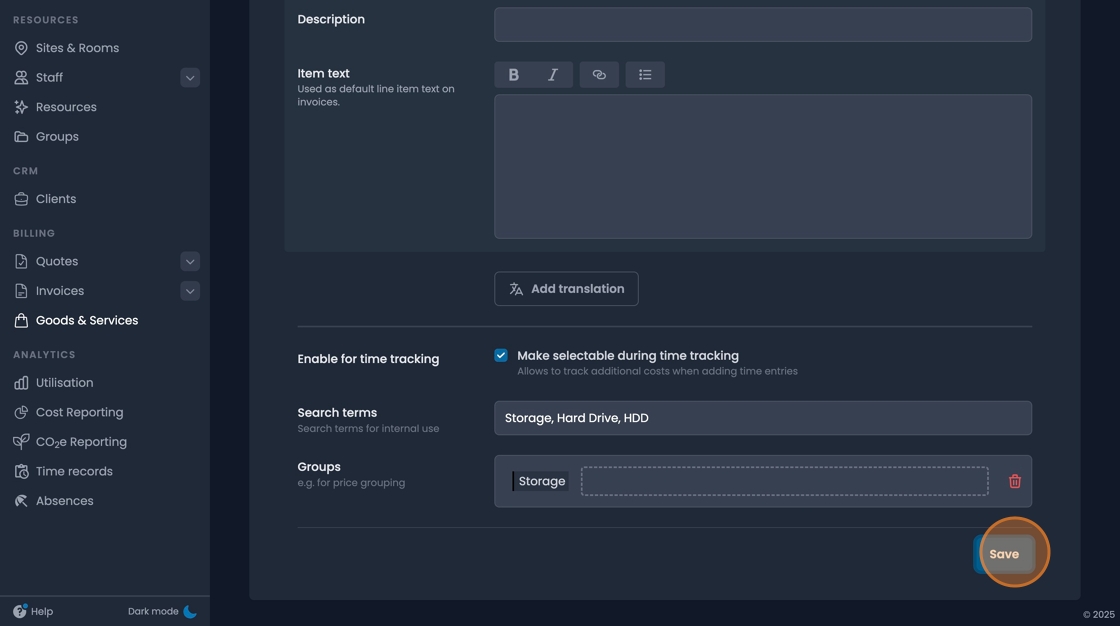
- There's an option to make the item selectable during time tracking.
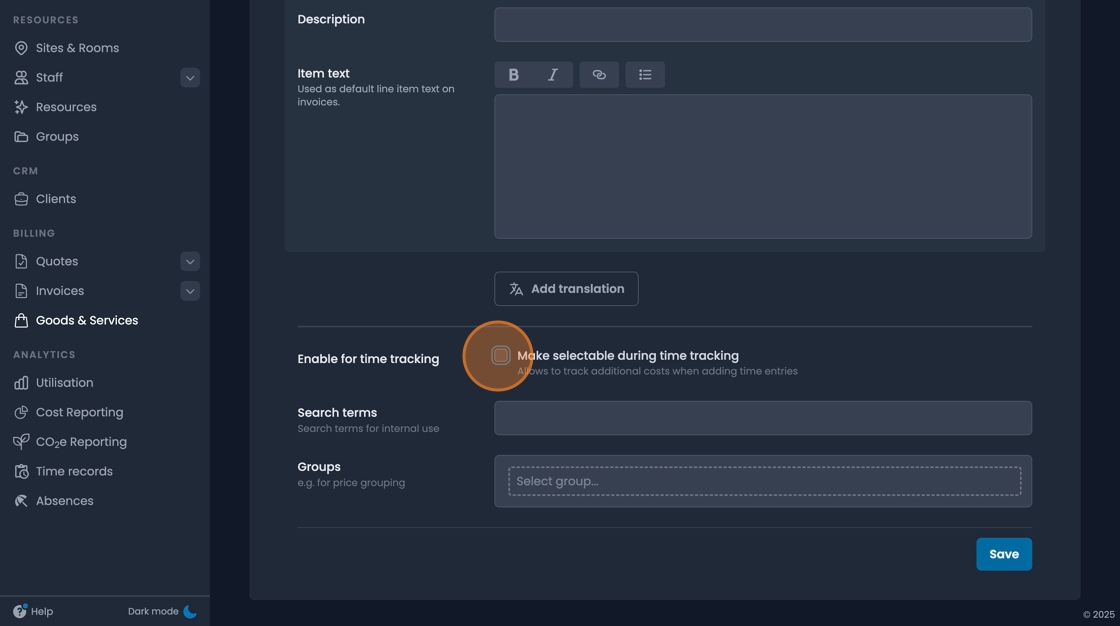

- You can add searchable metadata terms.
- Items can be organised into groups.

- Once you've fill out this basic information, click "save"
Client Prices / Rate Card Prices
- Once the basic details for an item have been entered, view the item.
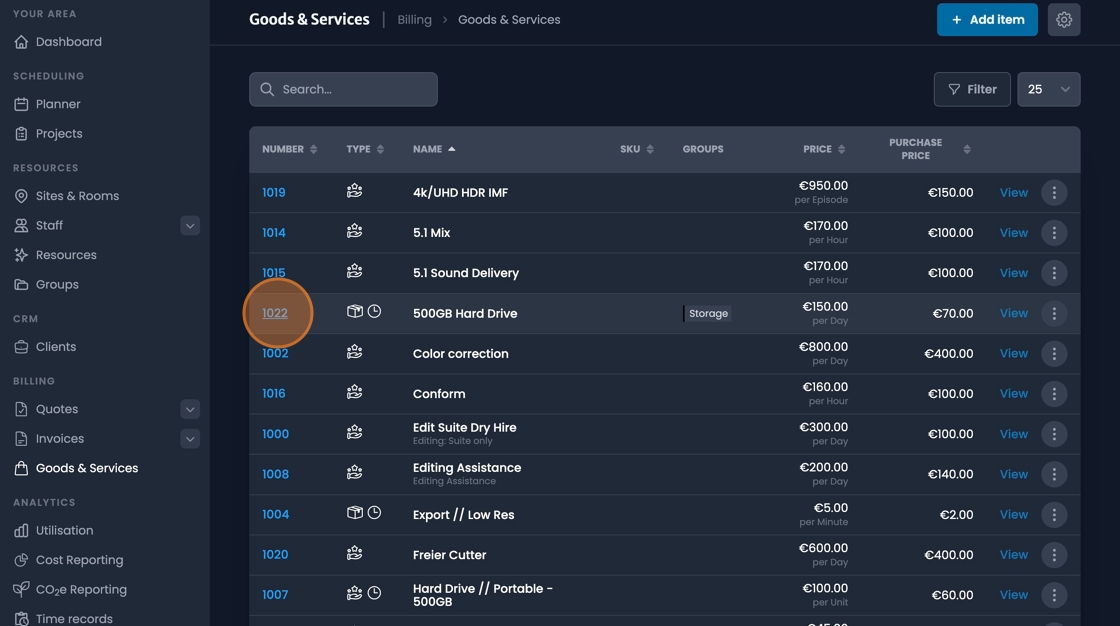
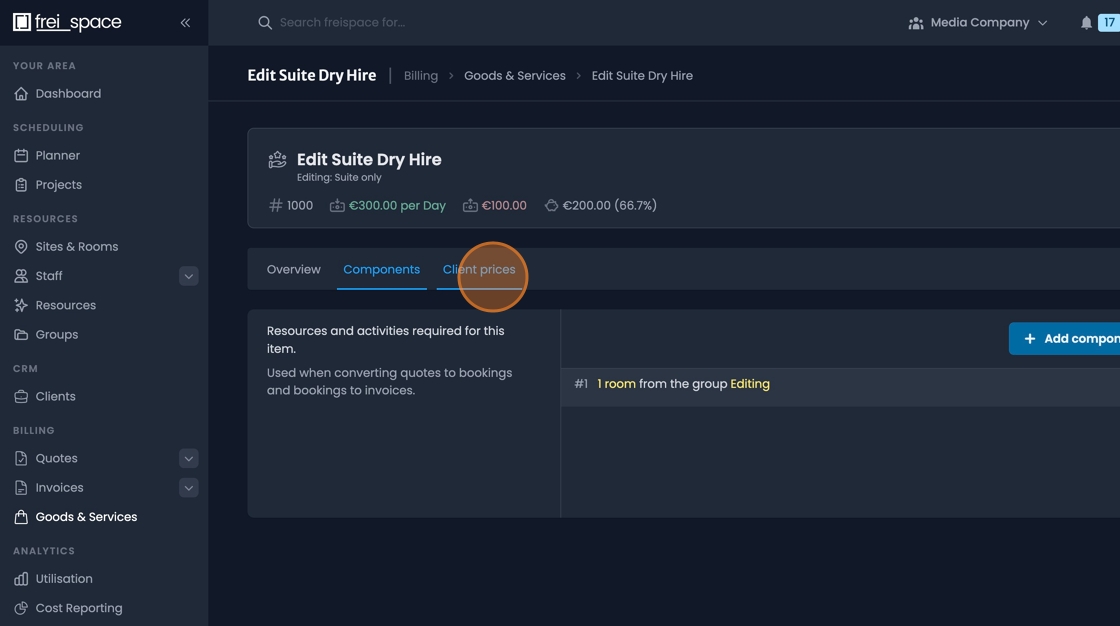
- Click the "Client prices" tab
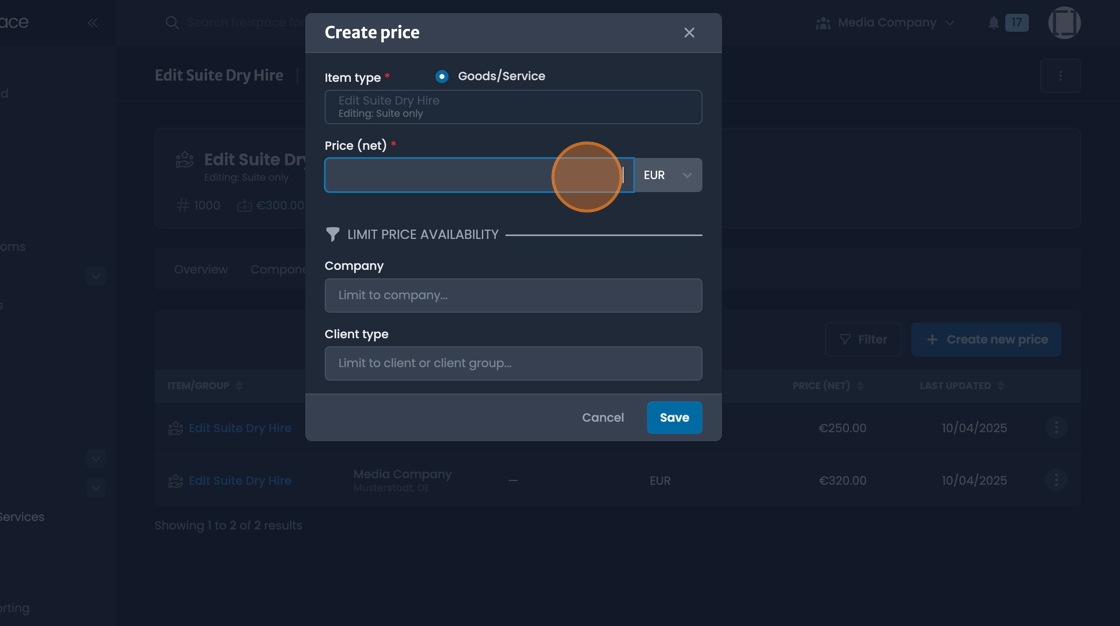
- Click "Create new price"
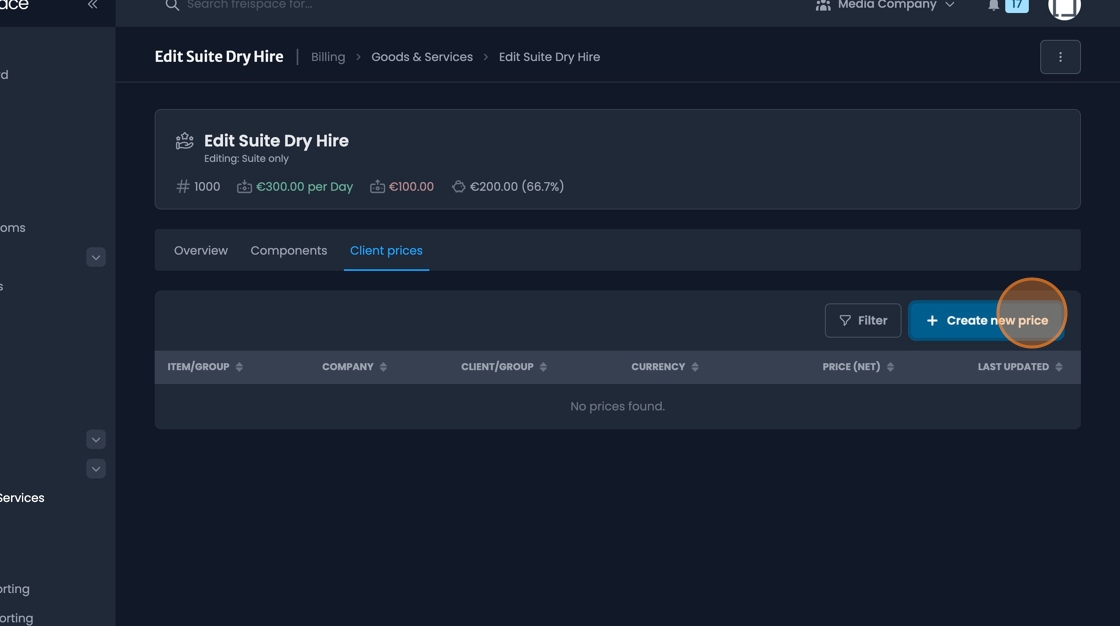
- Client prices can be set up by individual "client", "client groups", the "company" from which the invoice or quote is issued, or a combination of Issuing company and client/Client group.

- The price and currency can be adjusted for each "client price" instance
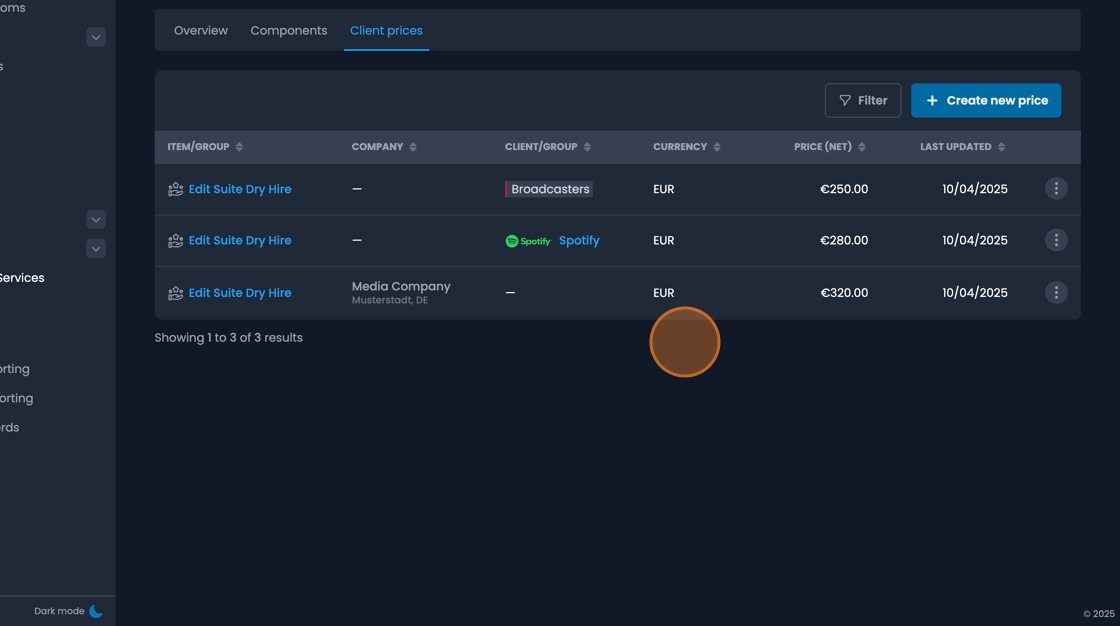
- Add as many Client prices as required
Defining Components

- Click on and Item to view details
Click "Components"

- Click "Add component"
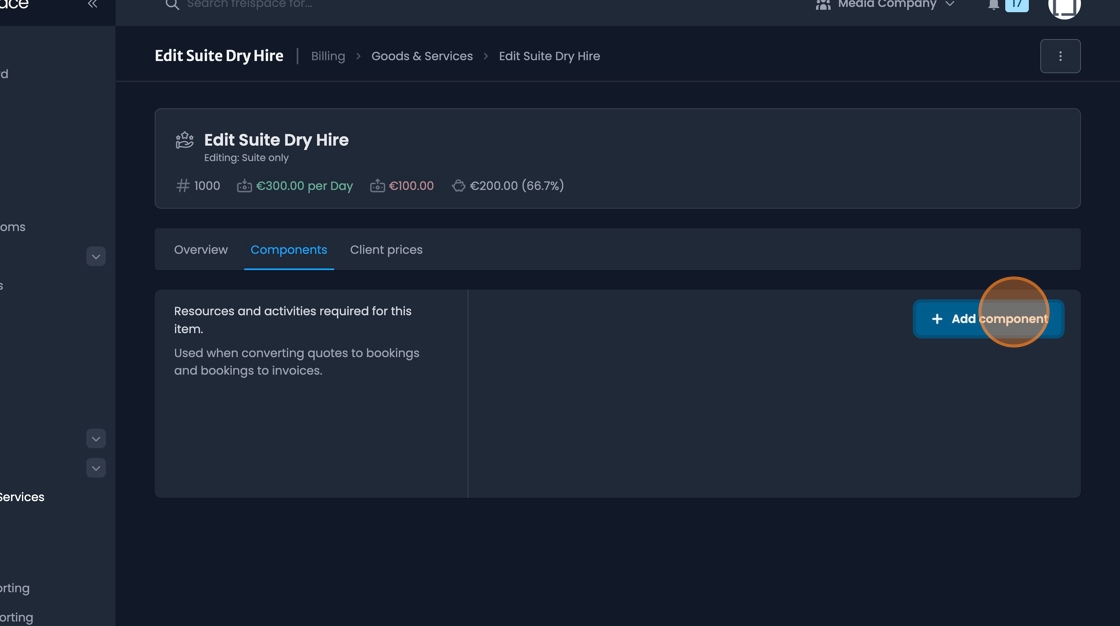
- Define each component from your setup as required